
Compatibility
Minecraft: Java Edition
Platforms
Supported environments


Links
Creators

Details
Update
With Minecraft 26.1 Snapshot 8 Mojang has added support for true borderless fullscreen, but that doesn't mean this mod is unnecessary now. They didn't add an option to switch back to exclusive fullscreen for people who might prefer it, and the game still always minimizes when tabbing out. I have changed the mods name from "Borderless Fullscreen" to "Better Fullscreen", since the former now doesn't really make sense.
Info
This mod changes Minecraft's fullscreen mode and makes it more customizable. By default, it makes the game not minimize on lost focus, and allows other windows on top of the game.
On Windows 10 and 11, Fullscreen Optimizations are enabled by default. Fullscreen Optimizations make the game run better, but they prevent anything from being on top of the game while the game is focused. If you want to, for example, have a picture-in-picture video on top of the game, or use the discord overlay, you have to disable Fullscreen Optimizations.
If you are on Linux, and the taskbar is above the game, disable Borderless Fullscreen.
On some Linux distributions you cannot have anything in front of the game, because some window systems don't support regular always-on-top windows. In that case, you have to create a custom window rule to put something in front of the game. Here is an example for firefox picture-in-picture videos
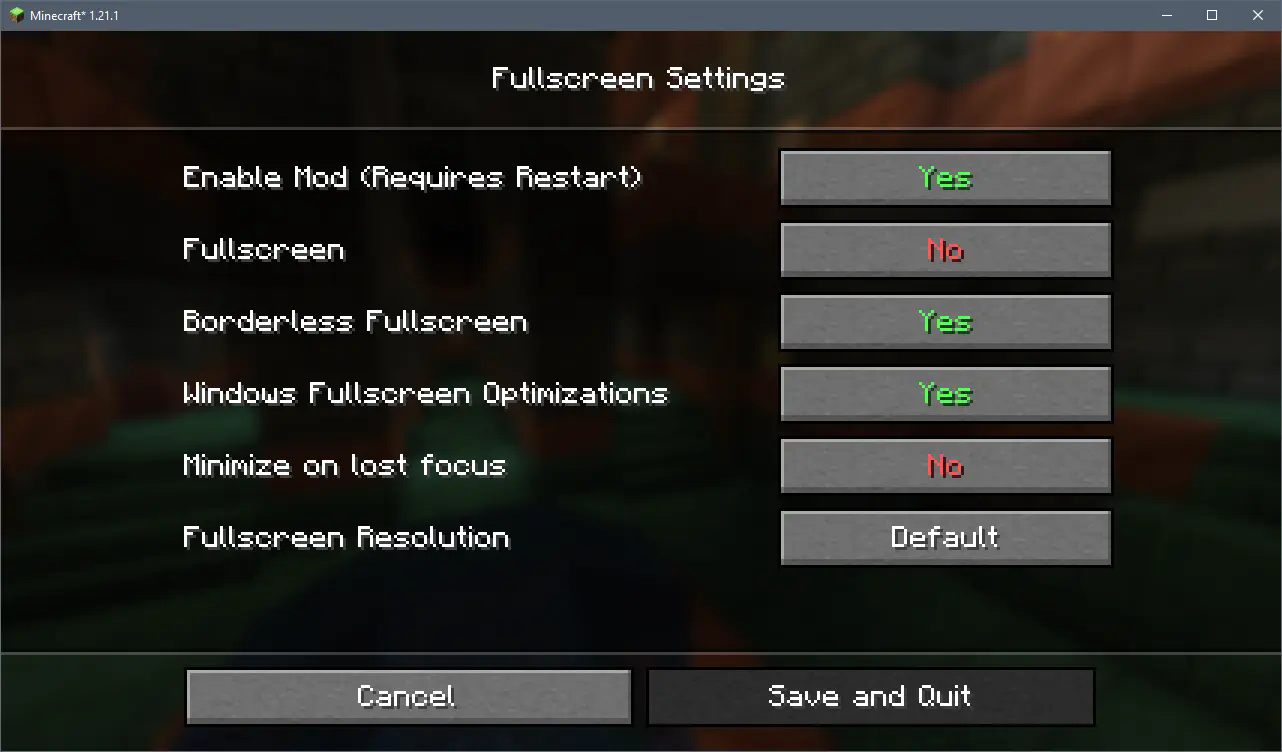 The config menu as of version 2.0.0
To open the config menu you need Mod Menu